
Competitive Pricing Recommendation
Prisync’s Competitive Pricing Recommendation lets you automatically match the lowest competitor price across your entire catalog using a ready-to-use Dynamic Pricing rule added to every panel by default. Start with a solid pricing foundation and customize the rule behavior to fit your strategy.
- No credit card required
- 14-day free trial
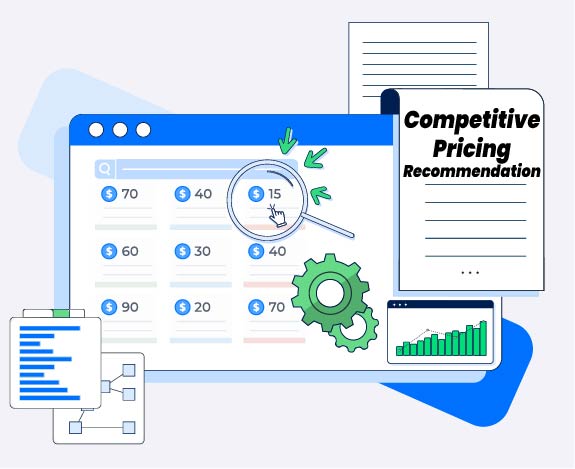
Smart pricing rules are essential for any ecommerce business looking to stay competitive without constant manual effort.
Prisync’s Competitive Pricing Recommendation feature gives every Prisync user a head-start in dynamic pricing. The moment you log in, a pre-built Dynamic Pricing Rule Template is waiting. Already configured to cover all your products and match the lowest competitor price in the market.
No setup required. Activate when ready, adjust rules to fit your strategy, and let automation do the heavy lifting.
Competitive Pricing Recommendation feature is powered by our Dynamic Pricing Rules engine. Simply activate the template in your panel and customize it to fit your pricing strategy.
How it Works?
Template Is Ready
Competitive Pricing Recommendation is automatically added to your panel in inactive mode. No additional setup needed on your end.
—> Try now
Customize If Needed
Review the default rule settings and adjust pricing logic, margins, or conditions to match your business needs.
—> Try now
Activate & Compete
Turn the rule on. Prisync monitors competitors and automatically adjusts your prices to stay competitive.
—> Try now
Frequently Asked Questions
What is Competitive Pricing Recommendation?
Competitive Pricing Recommendation is a pre-built Dynamic Pricing rule automatically added to every Prisync panel. It’s designed to match your product prices to the lowest competitor price in the market. So you can start competing on price from day one, without any manual setup.
Is it available on all plans?
Yes. Competitive Pricing Recommendation has been added to all panels by default, regardless of your plan. Every Prisync user can access and use it right away.
Does it activate automatically?
No, the Competitive Pricing Recommendation is set to inactive by default. This gives you time to review the rule settings and make any adjustments before it goes live. You can activate it whenever you’re ready with a single click.
Can I customize the rule?
Yes. You can modify most rule settings to fit your business strategy better. The only field that cannot be changed is the “Apply To” field, which is locked to ensure consistent coverage across all products.
What happens if two competitors have the same lowest price?
If multiple competitors share the same lowest price, Prisync will match that price. The rule targets the minimum competitor price in the market, regardless of how many competitors are at that level.
Explore more on Smart Pricing Tactics🔍

Want to get started? We're here to help.
Our team is ready to walk you through Competitive Pricing Recommendation and help you set up the right pricing strategy for your store.