
Daily Price Change Notifications
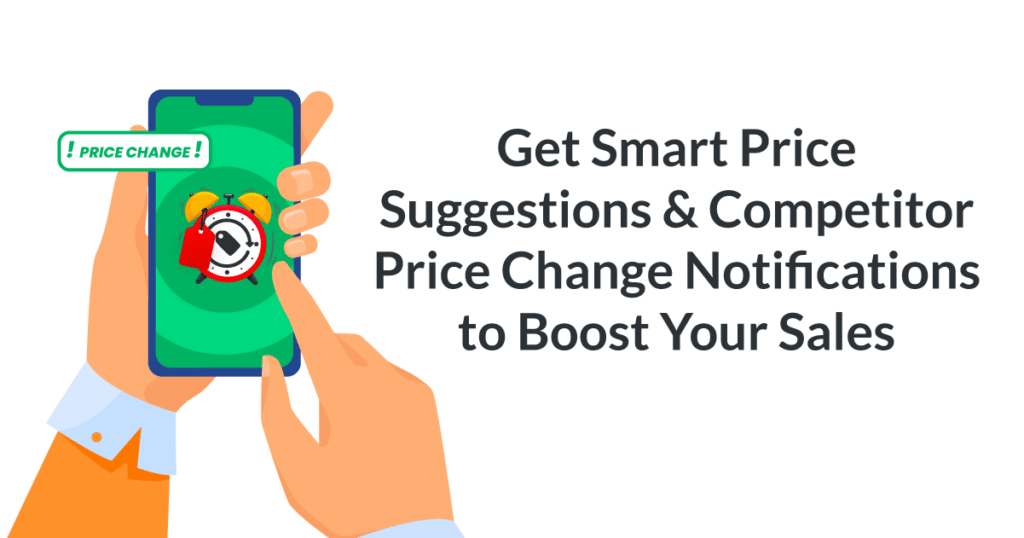
Price change notifications are sent to your inbox daily. From your settings page, you can add unlimited recipients or remove them at any time. Most importantly, you will see which rival is offering a price increase/decrease promptly. That’s what motivates your business to take action.
- No credit card required
- 14-day free trial
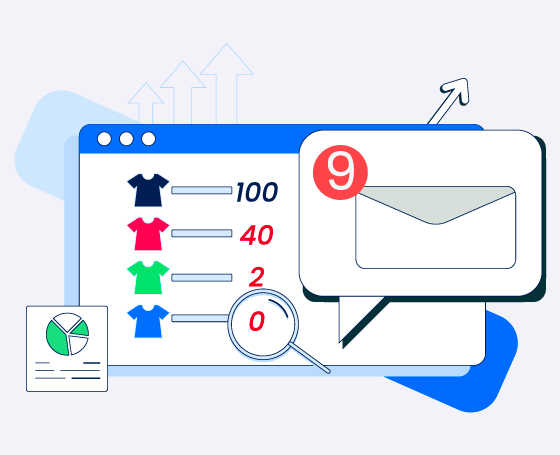
Staying informed about changes in competitor pricing is crucial for the success of your business. Being able to react quickly to these changes can have a significant impact on your operations.
With Prisync, you can stay on top of price fluctuations by receiving daily notifications. This empowers you to automate the monitoring process, freeing up your valuable time and resources to focus on driving sales. This automated approach can ultimately lead to enhanced conversion rates, increased profit margins, and overall triumph in the realm of ecommerce. Instant insight into your competitors’ pricing adjustments can give you a distinct advantage in the market, helping you make informed decisions and stay ahead of the competition.
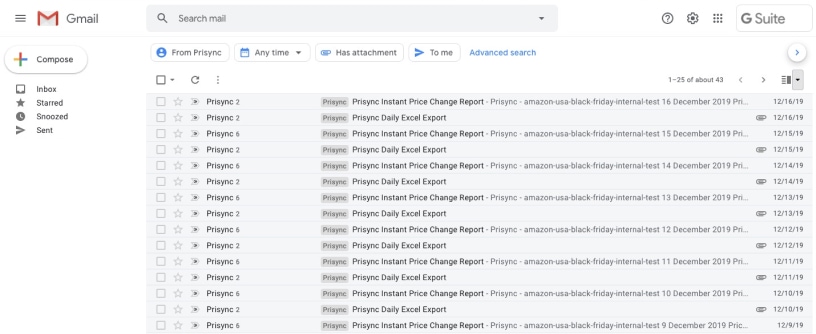
Check daily if your competitor changing price!
We’ve got more for you to check out!
Frequently Asked Questions
When will I receive my daily price change alerts?
There are two notification frequency options: daily and three times a day. GTIN / UPC / EAN-based tracking results are updated once per day. For example, if you receive daily price change notifications, today’s prices are compared to yesterday’s. However, if you manually added your competitor URLs and set up instant notifications, you will receive updates after each cycle, throughout the day. The system will email you as soon as price changes are detected in each cycle, which occurs three times a day.
Can I customize the time for daily email notifications?
While the time for daily email notifications is automated and cannot be customized, you can still customize the frequency and which notifications you want to receive. Premium and Premium plan users can break down notifications by specific brands and categories and set daily notifications for price change, favorite products, Excel exports, or stock changes. However, only Platinum plan users can set up instant notifications.
What details are included in the daily price report?
The daily price report includes the following details: product names, your prices, your market position, and whether your products are priced as the cheapest, average, or highest. Also, you can view your competitors’ prices, the cheapest and highest-priced websites, and stock changes.
You can also configure email notifications for specific products, collections, categories, or brands. By combining the subject and options fields, you can tailor notifications to your desired selection.
Can multiple team members receive the same daily alerts?
Yes, you can add as many email addresses as needed in the Notification Settings tab. There are no limitations on the number of email addresses you can add to receive these reports. All you need to do is click ‘Add New Notification’ and enter the email addresses for the desired report. Also, if your company has team members responsible for different categories or brands, this feature lets each person receive notifications relevant to their specific area, whether it’s for individual products, collections, categories, or brands.
Want to get in touch? Ask anything to us!
Please let us know if you have any questions, comments or concerns by contacting us.