
Product Variant Price Tracking
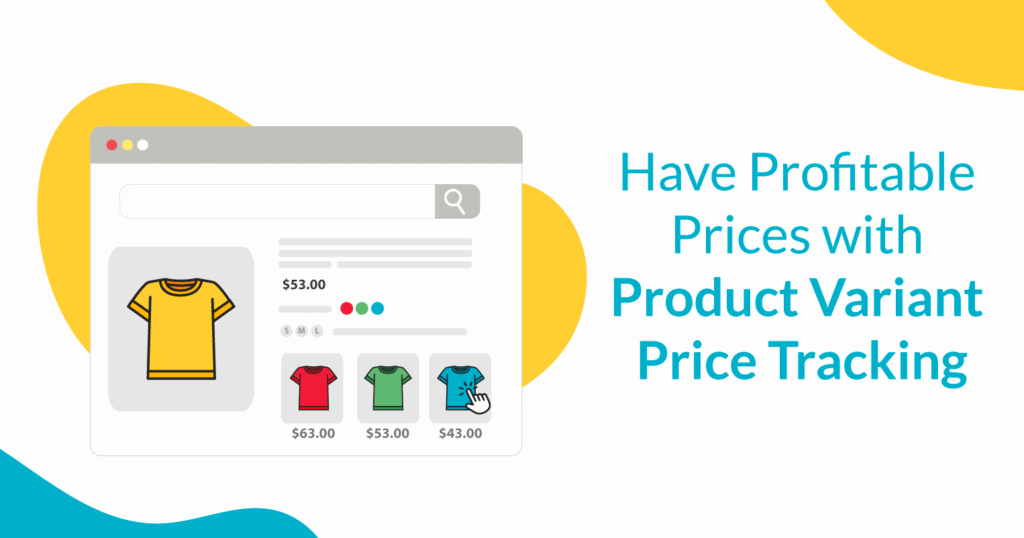
Product variants in ecommerce allow consumers various purchase options such as product size or color. Our engine detects competitor product variant pricing to help you discover further pricing options.
- No credit card required
- 14-day free trial
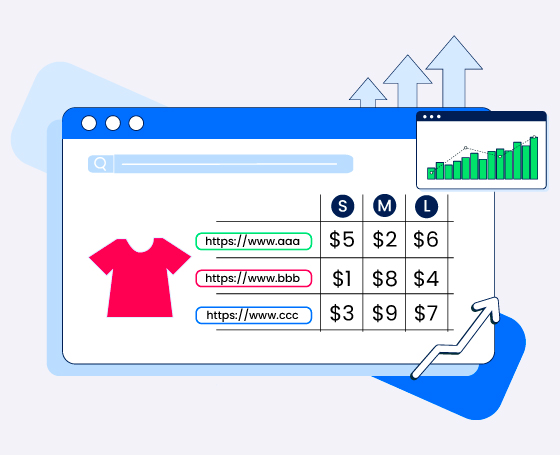
Prisync’s powerful platform allows you to monitor prices across multiple products using just one URL. With our refined variation price monitoring tool, you can easily keep track of different pricing options for your products, enabling you to perform precise price comparisons. For instance, if you’re selling a t-shirt in various sizes, such as small and extra-large, you can add these variants individually to your Prisync dashboard. This is incredibly valuable because each size may have unique competitors, and being able to monitor their different price levels can significantly impact your profitability.
Collect pricing data for all types of product variants with Prisync. We always strive to be the most reliable source of competitive pricing for manufacturers and online retailers of all sizes globally.
Explore more on Product Variant Price Tracking
Frequently Asked Questions
Can Prisync track prices for different sizes or colors?
Yes. Prisync’s AI-powered engine can track pricing for different product variants across sizes (mls, kgs, xl, 7-8 years), colors, flavors, and more. Prisync is also able to gather price information from variants listed in separate rows, drop-down menus, or as clickable buttons on the competitor’s website with 100% accuracy.
Do I need a separate URL for each product variant?
If product variant has unique link, then you can provide separate URLs for each product variant. If not, Prisync can gather price information for multiple variant prices using just that one parent URL. In order to do that, you need to add the # extension to the end of the parent product URL. So, for example, if you have three different sizes/ml options for a perfume, you must add #2 or #3 to the end of the parent product URL. Adding that URL to the Prisync account will let you receive the correct price point for the respective product variant.
How are SKU-level variations handled in reports?
Adding # at the end of the parent product URL serves as a locator that points Prisync’s scraper to the exact line, drop-down selection, or button of the specific variant you want to track. Since different variants signifies different products you can see SKU-level variations in reports in separate lines without any issues and make necessary adjustments to the specific variation.
Can I compare specific variant prices against competitors?
Yes. You can add separate variants to your dashboard. This way, you can perform price comparisons individually and even set SmartPrice repricing rules for each variant.
Want to get in touch? Ask anything to us!
This feature adapts to most variant scenarios. If you want to learn more about it, contact us anytime.